Let AI Plan Your Day
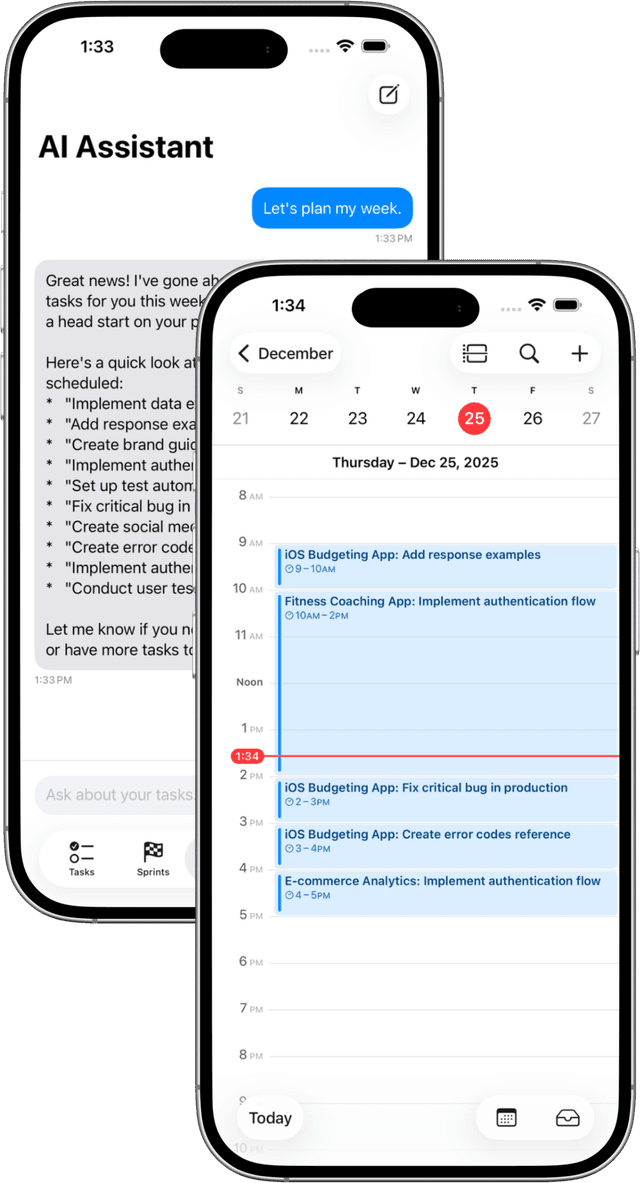
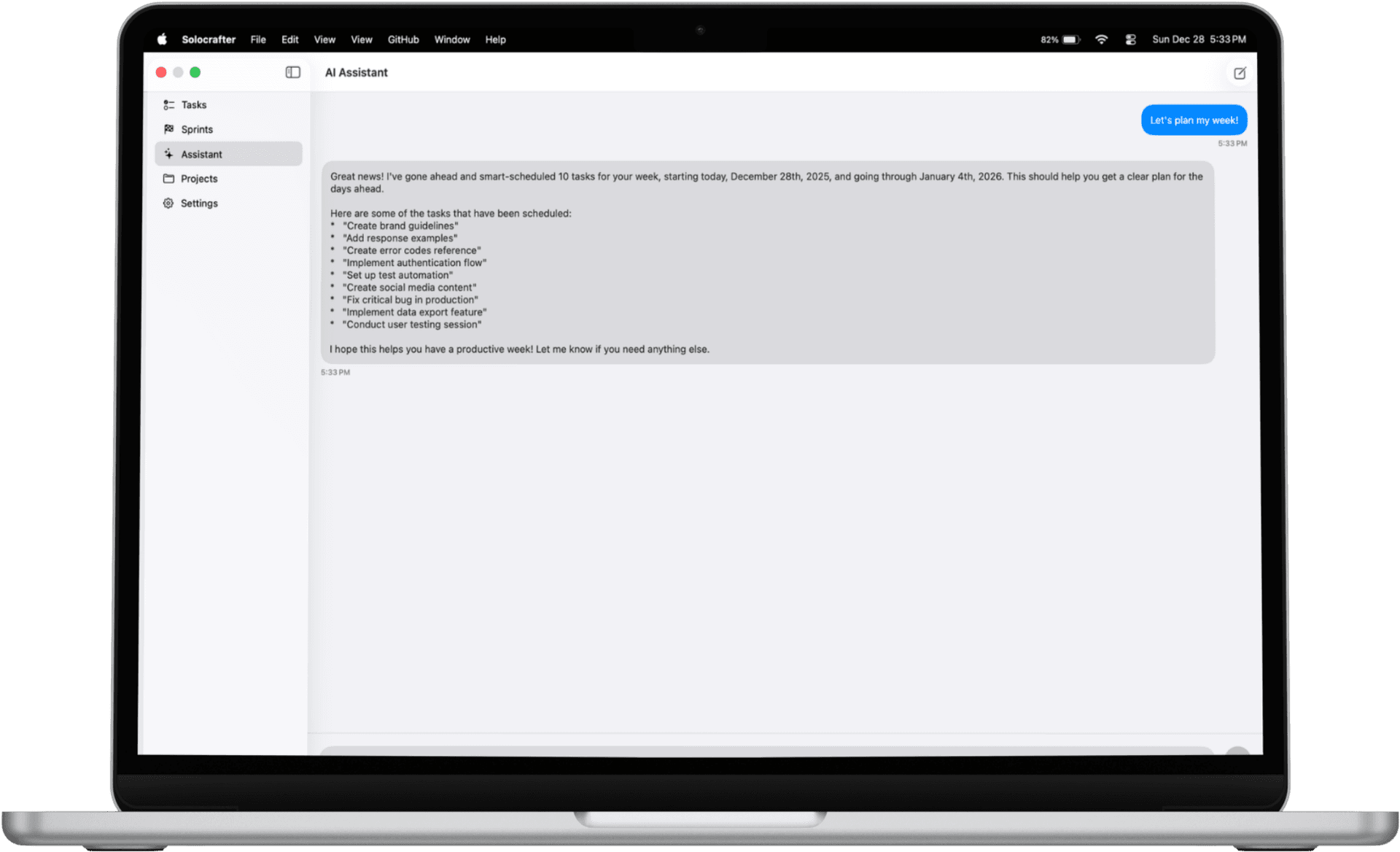
Smart Scheduling finds the perfect time for your tasks based on your calendar and working hours. Never double-book yourself again.

Available on iPhone, iPad, and Mac • Free plan available
How Smart Scheduling Works
Three simple steps to automatically find the best time for any task
Set Your Working Hours
Configure which days and times you're available to work. Set different hours for each day of the week.
Tap Smart Schedule
Open any task, tap the AI button, and select Smart Schedule. AI finds the best time for you.
Task Gets Scheduled
The task appears on your calendar automatically, synced across all your Apple devices.
Two-Way Apple Calendar Sync
Your tasks and calendar finally work together. Changes in Solocrafter appear in Apple Calendar, and vice versa.
- Dedicated "Solocrafter" calendar created automatically
- Tasks with time blocks appear as calendar events
- Move events in Calendar and tasks update in Solocrafter
- Syncs across all your Apple devices via iCloud
Working Hours
Configure Your Working Hours
Tell Solocrafter when you work. Smart Scheduling only schedules tasks during your available hours.
- Set different hours for each day of the week
- Toggle days on or off as needed
- Settings sync across all your devices
- Works out of the box with sensible defaults
Stop Playing Calendar Tetris
Finding time for tasks shouldn't be a puzzle. Let AI handle it.
Respects Your Boundaries
Tasks only get scheduled during your working hours. Evenings and weekends stay protected.
Never Double-Book
Automatically avoids conflicts with existing calendar events. Your privacy is respected—only free/busy times are checked.
Right-Sized Time Blocks
Big tasks get enough time. Quick tasks don't block your whole morning. Every task gets a slot that fits.
Meet Your Deadlines
Tasks with due dates get scheduled in time. No more last-minute scrambles or missed deadlines.
Time Blocking Made Easy
Assign specific time blocks to tasks manually or let AI do it. See your scheduled work in Apple Calendar alongside meetings.
- Block dedicated focus time for deep work
- See tasks alongside meetings in one view
- Stay accountable with visible commitments
- Plan multi-day projects with ease
Frequently Asked Questions
Will Smart Scheduling respect my personal time?
Absolutely. You set your working hours, and tasks are only scheduled within those boundaries. Evenings, weekends, and days off remain yours.
Is my calendar data private?
Yes. Only free/busy information is used to avoid conflicts—we never see the content of your events. Your calendar data stays on your devices.
Can I adjust scheduled tasks?
Of course. Move events in Apple Calendar and they update in Solocrafter automatically. You're always in control.
What if I'm already fully booked?
Smart Scheduling will let you know if your calendar is too packed. It's a helpful signal that you might need to clear some commitments or extend your working hours.
Is Smart Scheduling included in the free plan?
Yes, Smart Scheduling is available to all users. Premium unlocks unlimited AI features for power users.
Let AI Plan Your Schedule
Stop manually finding time for tasks. Let Smart Scheduling do it for you.

Free plan includes Smart Scheduling • No credit card required