Last updated: December 2025
Quick Answer: The best task manager for solo developers combines simplicity, GitHub integration, and privacy-first design. Unlike team-focused tools, solo developer tools should eliminate team bloat while adding features that matter—like AI task creation and code repository sync.
Most project management tools are designed for teams. They come loaded with user permissions, team dashboards, sprint planning for groups, and collaboration features that solo developers will never use.
When you're building alone—whether you're an indie hacker, freelance developer, or open source maintainer—you need something different.
This guide explains what to look for in a task manager for solo developers and how to find the right tool for your workflow.
What Solo Developers Actually Need in a Task Manager
Before evaluating tools, let's clarify what makes a task manager good for solo developers:
1. Zero Team Overhead
You shouldn't have to navigate around team features, user management, or permission systems designed for 50-person engineering teams. A solo developer task manager should assume one user from the start.
2. Developer-Specific Integrations
GitHub integration isn't a "nice to have"—it's essential. Your task manager should sync with your repositories so issues become tasks and vice versa.
3. Speed Over Features
Enterprise tools are slow because they're doing a lot. Solo developers need instant task capture, quick filtering, and responsive interfaces. Native apps beat web apps here.
4. Privacy and Data Ownership
Many developers work on sensitive projects—client work, startup ideas, or proprietary code. Your task data should stay private, ideally on your own devices or cloud account.
5. Affordable Pricing
Enterprise pricing doesn't make sense when you're the only user. Solo developer tools should be priced for individuals.
Essential Features for Solo Developers
GitHub Integration
If you're a developer, you probably spend hours in GitHub. Your task manager should connect to that workflow, not sit beside it.
Here's what good GitHub integration looks like:
Automatic Sync
Tasks you create should automatically sync to GitHub as issues. When you complete a task, the GitHub issue closes. This keeps your workflow simple and organized.
Visual Indicators
See which tasks are linked to GitHub issues at a glance. A simple badge (#123) tells you this task lives in both places.
Repository Linking
Connect projects in your task manager to repositories. All issues from that repo sync automatically.
Why This Saves Time
Without integration:
- Check GitHub for new issues
- Copy issue details into task manager
- Work on the issue
- Update task manager status
- Close GitHub issue
With integration:
- Issues sync automatically
- Work on the task
- Close the task (GitHub updates automatically)
That's the difference between minutes of overhead per task and zero overhead.
AI-Powered Task Creation
AI-powered task managers offer a unique benefit for solo developers: they act as your first team member.
Natural Language Task Creation
Instead of clicking through forms, you type naturally:
- "Fix the authentication bug in the login page, high priority, due tomorrow"
- "Review and merge the new API endpoints before Friday"
- "Research payment processors for the premium tier this week"
The AI extracts the task title, due date, priority, and project automatically. This saves 10-15 seconds per task—which adds up when you're creating dozens of tasks daily.
Intelligent Assistance
Beyond task creation, AI can help solo developers with:
- Prioritization suggestions based on deadlines and workload
- Task breakdown for complex features
- Summary generation from task notes
- Smart scheduling based on your patterns
For solo developers who don't have a team to bounce ideas off, AI provides a useful sounding board.
Privacy-First Design
When you're the only person on a project, privacy might not seem like a priority. But consider:
Client Work
If you're freelancing, you're handling client data. Some clients require that their project details never leave your control.
Startup Ideas
The next big idea shouldn't be stored on servers that might be analyzed, sold, or breached.
Open Source Security
Even for public projects, some tasks (like security vulnerabilities) need to stay private until they're fixed.
What Privacy-First Looks Like
A privacy-first task manager should:
- Store data locally on your devices
- Sync via your cloud account (like iCloud, not third-party servers)
- Never use your data for AI training
- Offer offline functionality
- Give you full data export
Native Performance
Web-based tools are convenient but often slow. Native apps built for your platform offer:
- Instant startup
- Offline access
- Better battery life
- System integration (notifications, widgets, shortcuts)
- Smoother animations and interactions
For developers who switch between apps constantly, native performance matters.
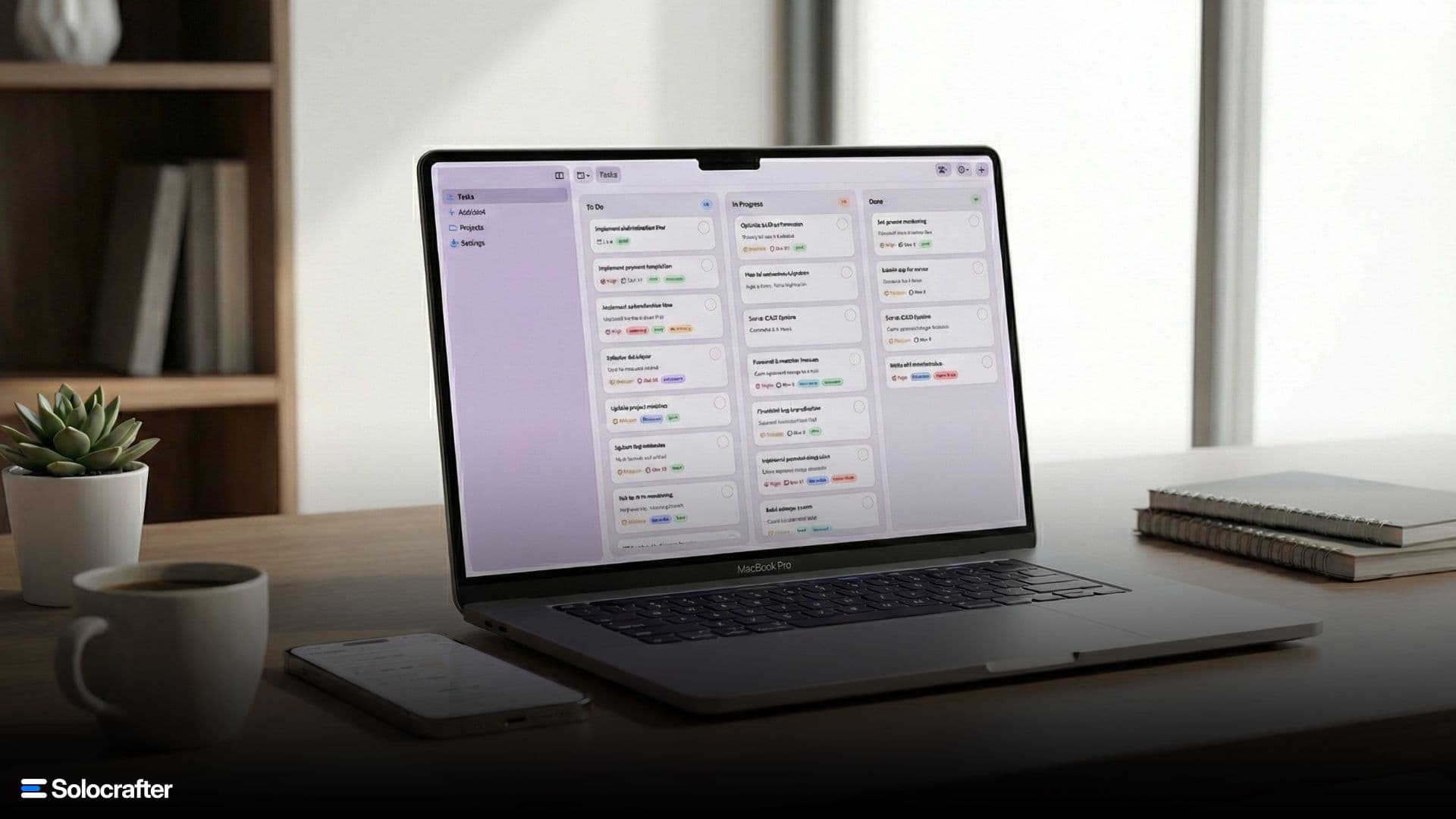
The Kanban Board for One
Kanban boards aren't just for teams. A simple personal board works well:
To Do → In Progress → Done
Rules:
- Limit "In Progress" to 2-3 tasks maximum
- Only move tasks to "Done" when truly complete
- Clear "Done" weekly to avoid visual clutter
The constraint matters. If everything is "In Progress," nothing is.
Daily Workflow for Solo Developers
Here's a workflow that works for many solo developers:
Morning (30 minutes)
- Review today's tasks in your task manager
- Identify the one thing that would make today successful
- Block time for deep work on that thing
- Check GitHub for any new issues or PRs to handle
Deep Work Blocks (2-4 hours)
- Single task focus—no switching
- Capture interrupting thoughts in your task manager
- Complete or timebox—don't leave things half-done
Afternoon
- Process captured tasks—categorize and prioritize
- Handle admin tasks—emails, GitHub issues, small fixes
- Update task statuses—close completed, add notes
End of Day (10 minutes)
- Review what you completed
- Set up tomorrow—identify the first task
- Clear your desk—physical and mental
This structure creates consistency without rigid scheduling.
Choosing the Right Tool: A Decision Framework
Answer these questions to find your best fit:
Question 1: How important is GitHub integration?
- Essential: Look for automatic sync where your tasks become GitHub issues
- Nice to have: Basic linking might be enough
- Not needed: Any general task manager works
Question 2: Do you need AI assistance?
- Yes: Look for natural language task creation
- No: Traditional input methods are fine
Question 3: Do you work on Apple devices?
- Yes, primarily: Native apps offer the best experience
- Mixed ecosystem: Cross-platform tools are important
Question 4: How much are you willing to spend?
- Free only: Look for generous free tiers
- Under $5/month: Many good options available
- Under $10/month: Premium features accessible
Question 5: How important is privacy?
- Critical: iCloud-based or local-only tools
- Standard: Any reputable tool
- Not concerned: Any tool works
Making the Switch: Migration Tips
If you're moving from an existing tool to a new task manager:
1. Start Fresh
Rather than importing thousands of old tasks, use the switch as a fresh start. Old, completed tasks add clutter without value.
2. Export What Matters
Export only active, current tasks. Most tools offer CSV export that you can review and selectively import.
3. Give It Time
Any new tool has a learning curve. Commit to at least two weeks before judging whether it works for your workflow.
4. Set Up Integrations First
Configure GitHub integration, notification preferences, and sync settings before adding tasks. This prevents having to reconfigure later.
Frequently Asked Questions
What is the best free task manager for solo developers?
Look for tools with generous free tiers that include GitHub integration and basic AI features. The best free options let you try the core functionality before committing.
Should I use multiple task managers?
Avoid splitting tasks across tools—it creates confusion and overhead. Choose one primary task manager and commit to it.
How do I manage client projects as a freelance developer?
Use separate projects for each client. Look for tools with GitHub integration so you can sync repository issues directly to client projects. Privacy-first tools are especially important for client work.
What's the best task manager for open source maintainers?
GitHub-integrated task managers work best since they sync directly with your repositories. Look for tools where your tasks automatically become GitHub issues.
Conclusion
The best task manager for solo developers depends on your specific workflow, but the principles are universal:
- Avoid team bloat—choose tools designed for individuals
- Prioritize integrations—especially GitHub if you're a developer
- Value speed—native apps beat slow web interfaces
- Protect your data—privacy matters even when you're solo
- Stay affordable—don't pay enterprise prices for solo work
The goal is the same: spend less time managing tasks and more time shipping code.
Ready to try a task manager built for solo developers? Download Solocrafter free on the App Store—AI-powered task management with GitHub integration.
Related Posts
How Solo Developers Stay Organized Without a Team
Learn proven strategies for staying organized as a solo developer. From project management techniques to daily workflows, discover how indie developers ship products without team overhead.
5 Task Management Mistakes Solo Developers Make (And How to Fix Them)
Avoid the common pitfalls that derail solo developers. Learn the five biggest task management mistakes and practical solutions to ship faster and stay organized.